Mac App · firstdrop
FX Talk
Turn a Teenage Engineering FX-MIC into a physical controller for dictation and Enter.
Hold the squeeze paddle to dictate. Tap orange for Enter. FX Talk decodes the mic’s audio control signals on your Mac; your chosen dictation app does the transcription. Local only — no recordings saved, no network.
0.4.0 · firstdrop
The current firstdrop is Developer ID signed but not notarized. It does not yet meet the new public-download standard. A notarized replacement is in preparation; the existing preview remains available.
Release information and changes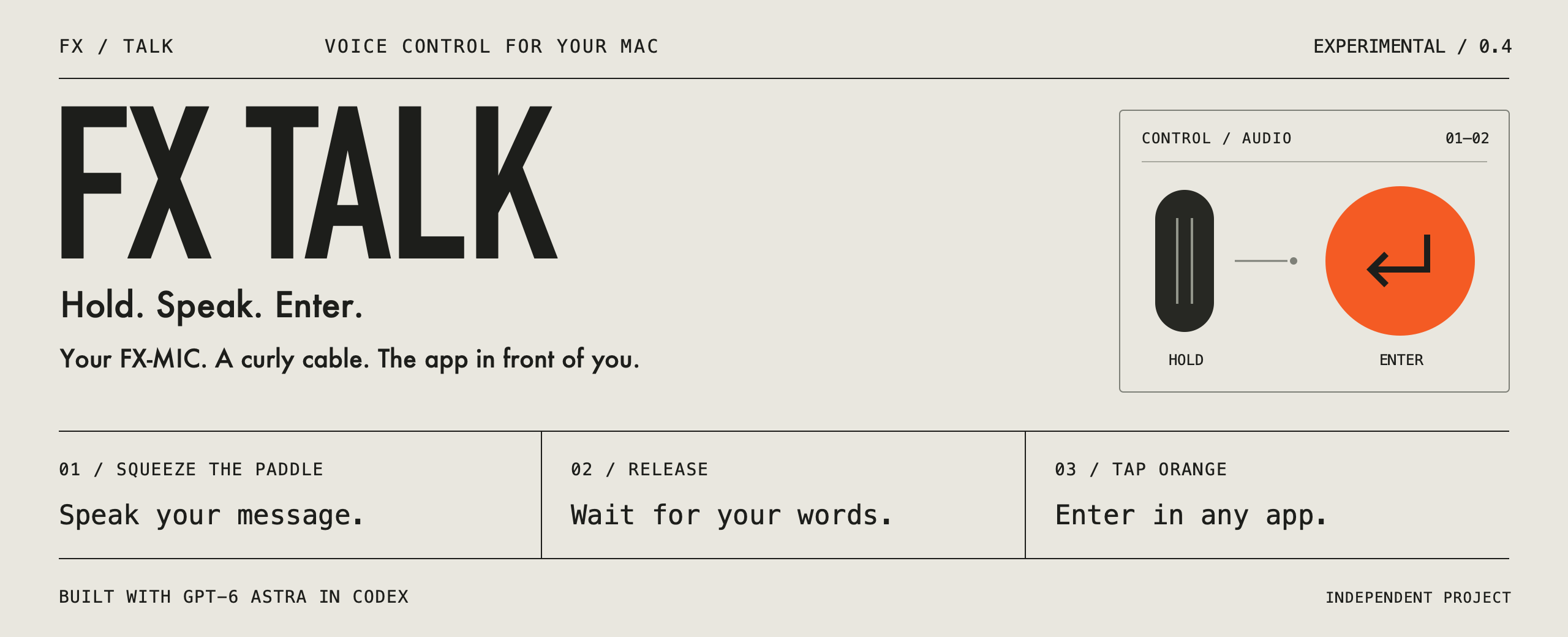
Built for the mic in your hand
- Squeeze to Dictate Hold the large paddle to hold your dictation shortcut. Release to finish. Works with Monologue, Wispr Flow, Aqua Voice, or any app you configure.
- Orange is Enter Tap the small top orange button to press Enter in the active app — send a message, run a command, or insert a newline.
- Audio Cable Only Normal use is FX-MIC on batteries → curly 3.5 mm → USB audio input adapter → Mac. Direct USB stays unplugged after setup.
- Local Signal Decode Button signals stay on the machine. FX Talk does not save recordings, read draft text, or make network requests.